
Serve with Direct LegalYour areas. Your rates. Our standard since 1961.
We work with independent process servers in every California county and across the country. Tell us where you serve and what you charge, then work every job from your phone with the free SDXPro app.
Questions first? Call (800) 675-5376
Independent work, with a company that has your back
You run your own business. We bring the work, the app and an office team that knows every job.
Your areas, your rates
Tell us the counties and cities you cover and your rate for each one. You keep them current in our vendor portal.
Every job in one app
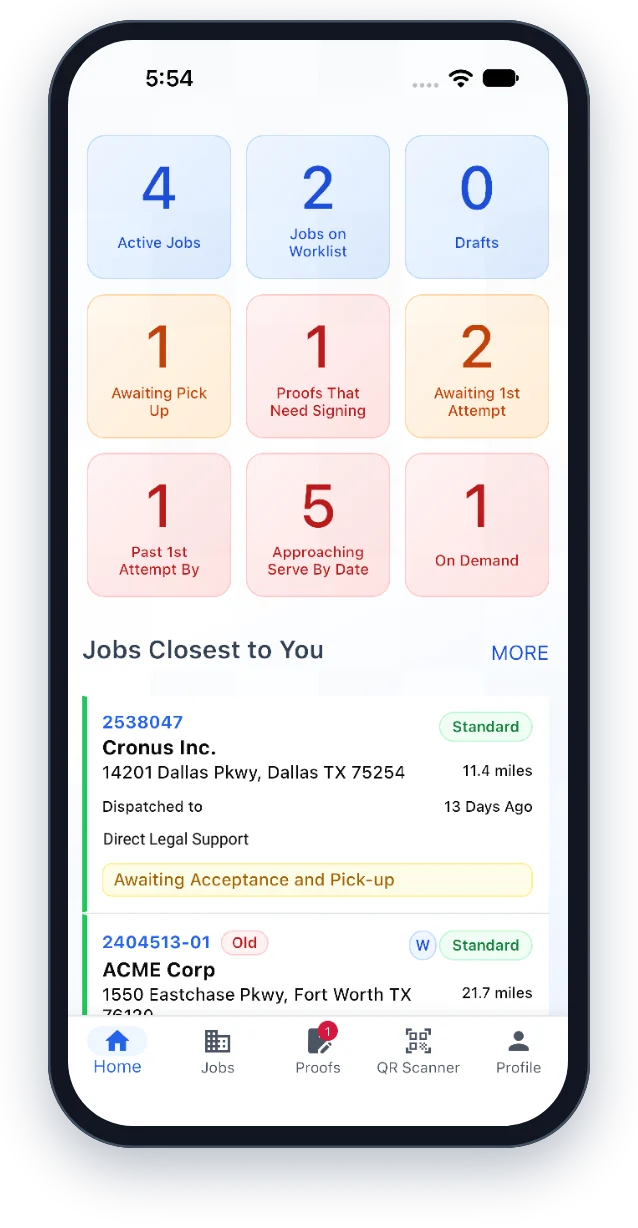
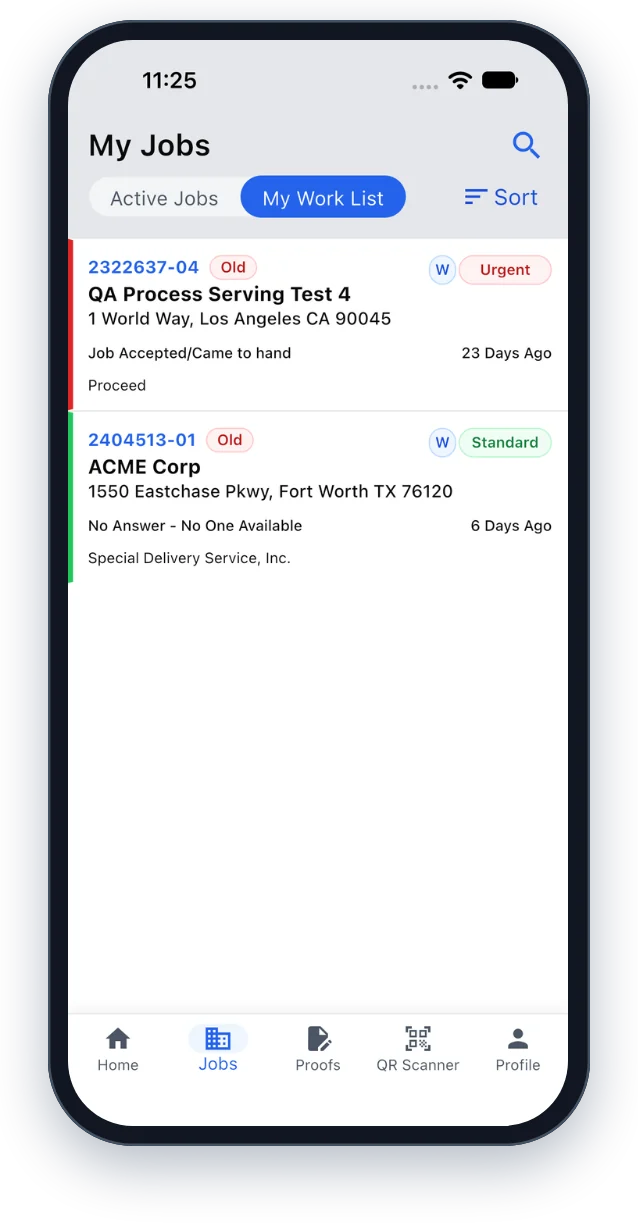
SDXPro puts your work list, the jobs closest to you, attempt photos and proofs in one place, on iPhone or Android.
One login for every company
If you also serve for other companies that use LegalConnect, their assignments show up in the same app under the same login.
Ready for AB 747
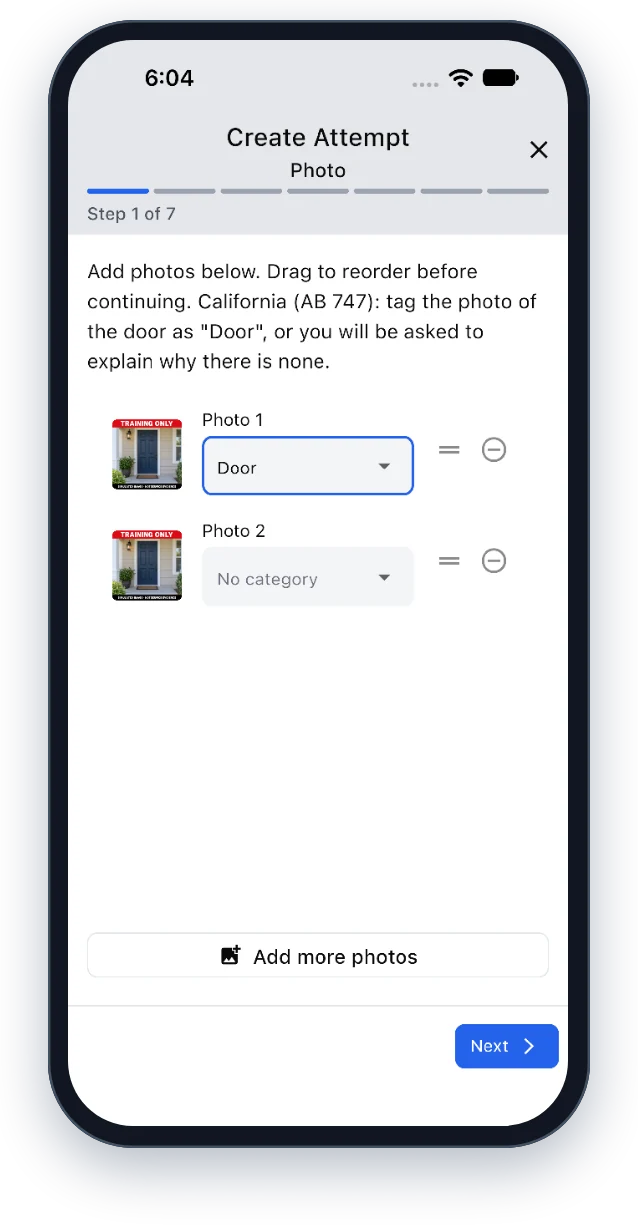
The app checks each California attempt for a GPS photo and a door photo, and asks for the reason when one is missing.
Proofs signed on your phone
Review your proofs of service and sign them electronically, without a trip to the office.
A family company behind you
Direct Legal has been family-owned since 1961. Our service of process team assigns your jobs and answers your questions about them.
AB 747 photo rules start January 1, 2027
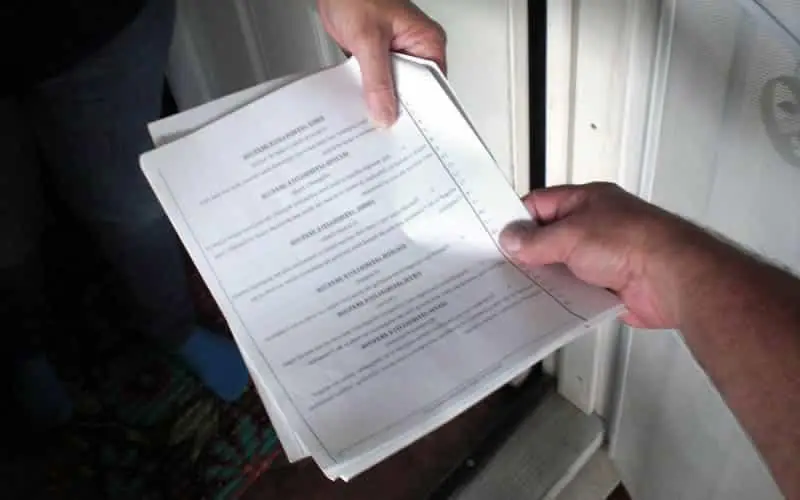
Starting January 1, 2027, California’s AB 747 requires a photo of the site on every service attempt, stamped with the date, time and GPS location. At least one photo must show the door (or the entrance, if the door can’t be reached).
- Date, time and GPS stamp on every attempt photo
- At least one photo of the door or entrance
- A written reason when a photo can’t be taken
- Starts January 1, 2027
SDXPro is built for it. On California jobs, the app checks each attempt for a GPS photo and a photo tagged Door, and asks you for the reason when one is missing, so the record is complete before it reaches the office.
See the AB 747 steps in the User GuideFrom application to your first job
Four steps. Most of the setup happens on your phone.
Apply
Send the short form on this page with the cities you cover and a few details about your business.
Get set up
We review your application and set up your vendor account, where you add your areas, your rates and your tax information.
Download SDXPro
Install the free app and create your login with the email address you gave us. The Quick Start Guide walks you through it.
Start serving
Jobs in your areas show up in your work list. Record each attempt with photos, then review and sign the proof in the app.
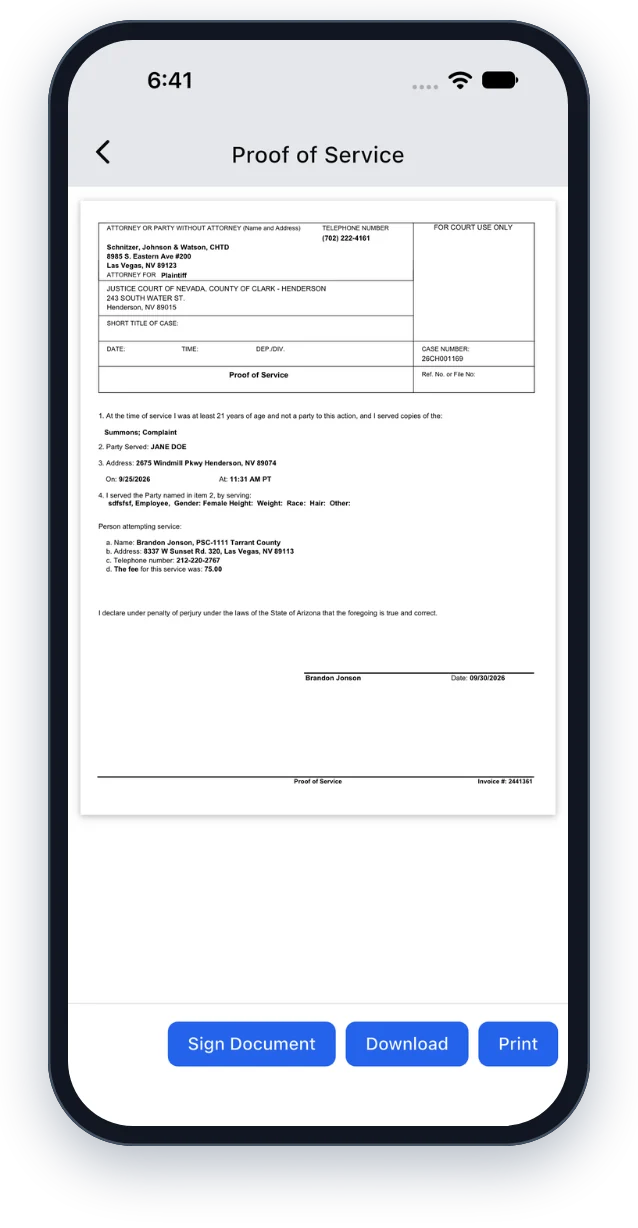
Your whole job, in your pocket
SDXPro is the free app for process servers who work with Direct Legal. Accept jobs, record attempts with photos, and sign your proofs without leaving the field.
- Handle bulk registered agent serves quickly
- Review proofs of service and sign them electronically
- Organize your day with work lists and sorting
- See the jobs closest to where you are
- Capture photos and GPS evidence in the field
- Download and print service documents anywhere
- Get prompts when a photo requirement can’t be met
- Tag photos as Door, Entrance and more




Five values. One standard in the field.
“Not the biggest attorney service in California. The best.”
Dave Kern, founder, 1961
Get It Right
Confirm the address and the person before you serve. Every proof has to hold up.
By the Rules
Follow California’s service rules every time, and keep an honest, complete record of every attempt.
Follow Through
Record each attempt in the app as you go, so no one has to ask where a job stands.
Raise the Standard
Learn new rules before they reach a job, like the AB 747 photo requirements.
Family at the Core
Treat every person you serve, and every coworker, with patience and respect.
What you need
Before you apply, make sure you have:
- For California work, a current process server registration (Business and Professions Code § 22350). Outside California, the license or registration your state requires.
- An iPhone or Android phone for the SDXPro app
- An email address for your app login and job notices
- A way to print service documents
- Tax information for a 1099, since you work with us as an independent contractor
Questions process servers ask
- Is this a job or independent contract work?
- Independent contract work. You run your own business, choose the areas you cover and set your rate for each area. We send you jobs in those areas.
- Do I need to be a registered process server?
- For California work, yes. Anyone who serves more than 10 papers a year in California for pay must register with the county clerk where their business is based (Business and Professions Code § 22350). Outside California, follow your state’s rules.
- Can I keep working for other companies?
- Yes. As an independent contractor you can serve for other companies too. If they use LegalConnect, their jobs appear in SDXPro under the same login.
- Where do you need process servers?
- We serve papers in all 58 California counties and in every state, so tell us every area you cover.
- What is SDXPro?
- The free app for process servers who work with Direct Legal, for iPhone and Android. Start with the Quick Start Guide or read the full User Guide.
- What does AB 747 change for process servers?
- From January 1, 2027, every attempt in California needs a date, time and GPS stamped photo of the site, including the door or entrance. SDXPro checks for both and asks for a reason when one is missing.
Join our team of independent process servers
Tell us where you serve and how to reach you. We’ll follow up about your registration, your areas and your rates, and get you set up in SDXPro.
Prefer to talk first? Call (800) 675-5376, Monday to Friday, 8:30 a.m. to 5:00 p.m. Pacific.
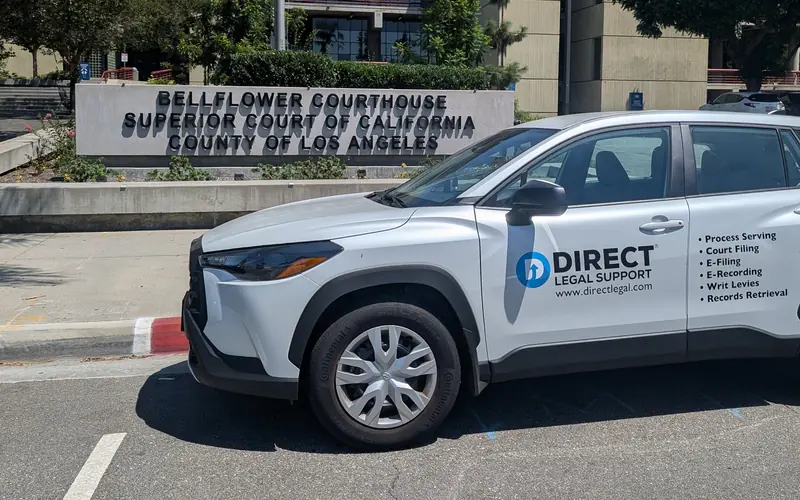
Direct Legal at the Bellflower Courthouse
Process server application
Takes about three minutes.